Overview
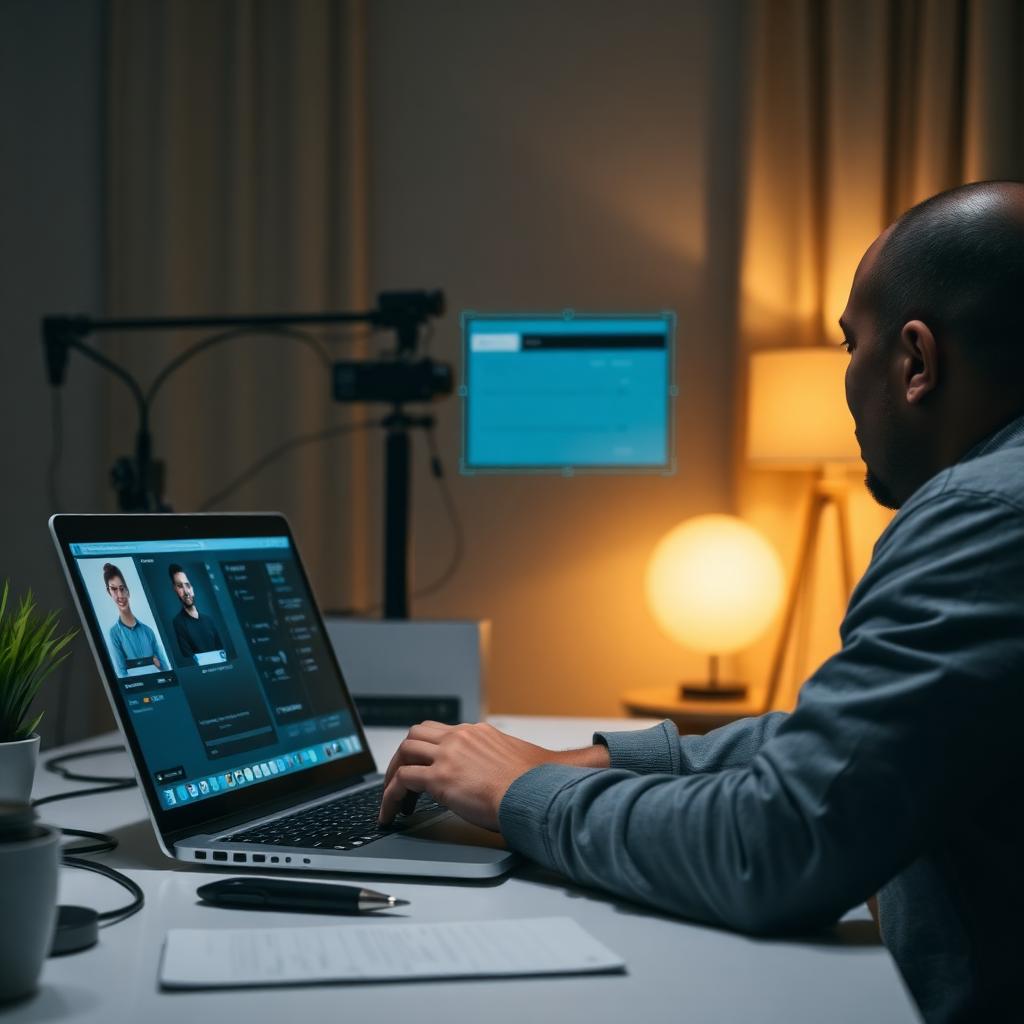
Pearson VUE is one of the largest online testing providers in the world, powering high-stakes certifications from IT vendors, nursing boards, financial regulators, and professional associations. Its remote proctoring platform, OnVUE, is engineered to catch cheating in real time by combining live human proctors with layered AI monitoring. If you are about to sit any Pearson VUE exam, it pays to understand how each layer works before you switch your webcam on.
Identity verification before the exam
Before you even see the first question, OnVUE runs a thorough identity check. You are asked to photograph your government ID, which the system compares against your live webcam feed using facial recognition. A selfie is captured and stored on the exam record, and you are then asked to pan your webcam or phone camera slowly around the room, under the desk, and across the walls. Any mismatch between the ID and the face on camera — or a room scan that reveals notes, extra monitors, or another person in the room — is flagged instantly and can end your session before it starts.
Secure browser and device lockdown
Once your exam begins, OnVUE installs a secure browser that essentially takes over your machine. It blocks screenshots, screen recording, and copy-paste, and actively looks for virtual machines, remote-desktop software such as TeamViewer, AnyDesk, and Chrome Remote Desktop, and any screen-sharing tools running in the background. Unauthorised processes are killed, and you cannot switch to another window or a second monitor — a secondary display typically has to be disconnected before the exam even loads. If the secure browser detects a virtual machine or blocked application mid-exam, it will terminate the session on the spot.
AI-driven behaviour monitoring
OnVUE also runs machine-learning models trained on millions of proctored sessions, and those models are watching everything you do. They look for eye-movement patterns that suggest you are reading from a hidden note, head-pose changes that indicate you are looking away from the screen for too long, additional faces appearing in the frame even briefly, lip movement when no speech is expected, and moments when you leave the webcam view entirely. Every flagged event is timestamped and passed to a human proctor for review.
Audio monitoring
Your microphone remains on throughout the entire exam, and the audio track is analysed just as carefully as the video. OnVUE listens for background voices or a second person coaching you, keyboard sounds that seem inconsistent with typing on your own machine (a signature of a remote proxy typing on your behalf), phone rings, notifications, and even background noise from a television or radio. Any of these can trigger a warning or an outright termination.
Live human proctors
Layered on top of the AI is a live human proctor who watches your webcam and screen throughout the exam. They can pause the session, ask you to redo the room scan, message you through the OnVUE chat, or terminate the exam entirely if they see a policy violation. AI catches patterns at scale, but the proctor makes the judgement call.
Post-exam review
Even after you have finished and submitted the exam, the recorded session is reviewed. Score reports can be withheld or invalidated weeks later if reviewers spot violations that the live proctor missed in real time, which is why many candidates who thought they had gotten away with something later receive a cancelled score and a policy-violation notice.
Why this matters
Pearson VUE's detection stack is intentionally layered. Beating one signal is not enough — a candidate who disables one layer (say, covers the camera) immediately triggers another (missing face detection), and the system is designed so that suspicious patterns compound rather than cancel each other out. If you are preparing for a Pearson VUE exam, understanding these mechanisms is the first step to sitting your exam confidently and knowing exactly what to expect.
Need guidance? Our team walks you through the entire OnVUE flow — check-in, room scan, and exam environment setup — so nothing surprises you on exam day.
Keep reading
A complete 2025 guide to sitting a Honorlock-proctored exam confidently — how the platform monitors you, technical environment setup, and the Ace Proctor readiness process.
Thinking about becoming an AWS Certified Developer? Before you spend $150 booking the DVA-C02 exam, here is exactly what you need to know.