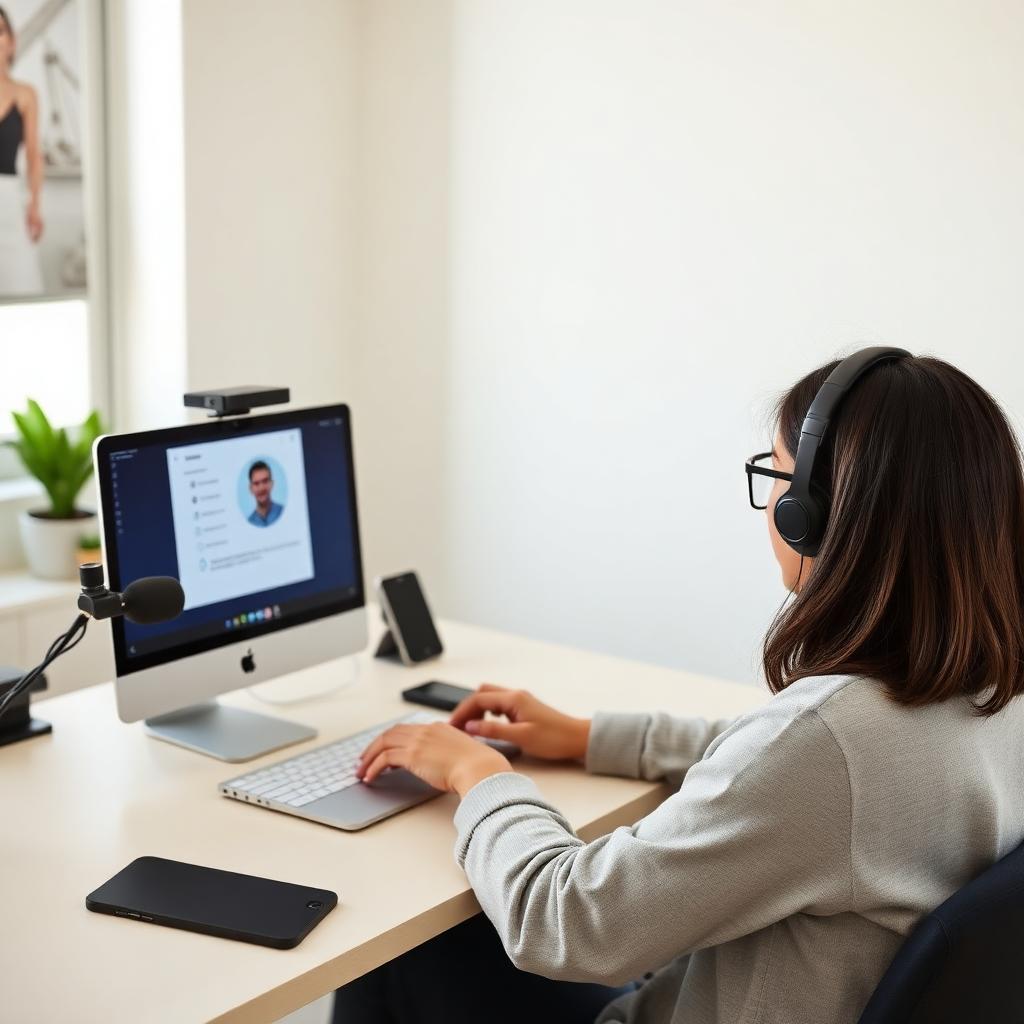
Why online exam proctoring exists
Online exam proctoring lets universities, certification bodies, and licensing boards deliver high-stakes tests without shipping candidates to a physical testing centre. For institutions it is cheaper, more scalable, and available around the clock. For candidates it means sitting your exam from a bedroom, home office, or hotel room instead of travelling — but only if your setup is clean enough to pass the platform's checks.
The three layers of detection
Every serious online proctoring platform combines three layers of oversight.
The first is identity and environment verification. Before the exam starts, the platform photographs your ID, captures a selfie, and asks you to pan your webcam or phone camera around the room, under the desk, along the walls, and across the ceiling. Facial recognition confirms the ID matches your live feed; the room scan confirms you are alone and free of unauthorised materials.
The second is software lockdown. A secure browser or Chrome extension takes over your machine for the duration of the exam. It blocks copy-paste, screenshots, and window switching, and actively hunts for virtual machines, remote-desktop tools, and screen-sharing software. Anything suspicious kills the session immediately.
The third is live AI and human monitoring. Machine-learning models trained on millions of proctored sessions watch your webcam and microphone for head turns, extra faces, background voices, phones held to camera, and eye-movement patterns consistent with reading hidden notes. Every flag is timestamped, and a live proctor can pop into the session to ask you to redo the room scan, remove an item, or terminate the exam.
The platforms you are most likely to encounter
Honorlock — Chrome extension, common at US universities, uses AI plus on-demand human proctors.
Proctorio — Chrome extension, university-focused, heavily AI-driven with lighter human review.
Pearson VUE OnVUE — dedicated secure browser used by AWS, Microsoft, Cisco, CompTIA, nursing boards, and financial regulators.
Meazure Learning (formerly ProctorU) — installable secure browser, popular for graduate admissions and enterprise certifications.
Examity, PSI, Prometric — used across professional licensing, IT certifications, and government exams.
The underlying detection stack is broadly similar; the differences are in check-in flow, allowed items, and how strictly each platform enforces the rules.
The most common ways candidates get flagged
The vast majority of incident reports have nothing to do with cheating. They come from broken technical environments: a webcam that drops frames, a microphone that cuts out, an unstable Wi-Fi connection, a notification popping up mid-exam, a second monitor that was never unplugged, background voices from another room, or a rushed room scan that missed the desk drawer. Every one of these produces a report the reviewer cannot distinguish from an actual policy violation.
Building a clean setup
Start with the machine. Use the latest version of the required browser, close every other application, sign out of any accounts you do not need, and disable extensions the platform does not require. Enable Do Not Disturb (macOS) or Focus Assist (Windows) so no notification can appear. Physically unplug any external monitor — display-setting toggles are not enough, because the platform detects the extended display driver.
Move to a wired ethernet connection if you can, and ask everyone else in the household to stay off streaming services during your exam window. Pick a room with a door you can close, a plain wall behind you, and no visible papers, whiteboards, or second devices. Lighting should come from in front of you; a window at your back will silhouette your face and confuse facial recognition. Leave your phone in another room entirely — the room scan will catch it if it is on the desk.
Rehearse the check-in
The pre-exam check-in is where most avoidable failures happen. Practise it end-to-end at least twice before your real exam. Photograph your ID under good lighting so the text is sharp. When you run the room scan, move the camera slowly — a fast, jerky pan is the single most common reason a proctor asks you to redo it. Show under the desk, along the walls, across the ceiling, and finally the surface of the desk itself with the webcam facing down.
What to do if something goes wrong mid-exam
Stay calm and respond through the platform chat. Most proctor pop-ins are routine — a request to redo the room scan, confirm your ID, or move an object out of frame. Comply promptly, avoid arguing, and continue the exam. Panicking, closing the browser, or disconnecting is almost always logged as a policy violation, whereas calm compliance rarely is.
Final word
Online exam proctoring is a technical and psychological problem more than an academic one. Build a clean environment, rehearse the check-in until it is muscle memory, and have a plan for the moments when something unexpected happens. Do that and the proctoring layer disappears into the background — leaving only the exam itself for you to worry about.
Preparing for a remote proctored exam? Our team runs a full technical readiness audit, walks you through a mock check-in that mirrors the real platform, and stays on standby throughout your exam.
Keep reading
A complete 2025 guide to sitting a Honorlock-proctored exam confidently — how the platform monitors you, technical environment setup, and the Ace Proctor readiness process.
Thinking about becoming an AWS Certified Developer? Before you spend $150 booking the DVA-C02 exam, here is exactly what you need to know.