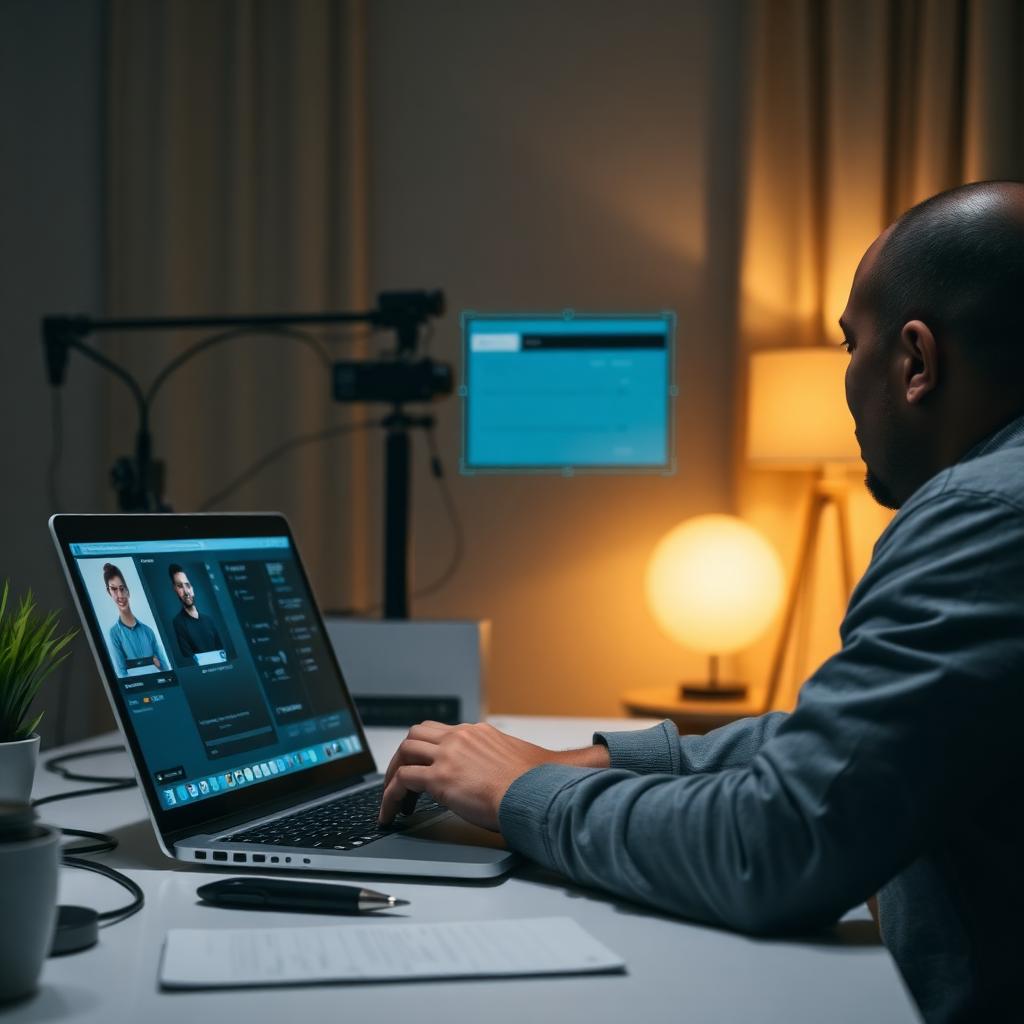
What online proctoring actually is
Online proctoring is remote exam supervision. Instead of travelling to a testing centre, you sit your exam on your own computer while a combination of software, artificial intelligence, and — in most cases — a live human proctor watches to make sure you follow the rules. It became mainstream during 2020 and is now the default delivery method for university mid-terms, professional certifications, nursing entrance exams, graduate admissions tests, and financial licensing.
How it works, step by step
Every session follows roughly the same flow. You install a secure browser or Chrome extension, sign in, and complete an identity check where the platform photographs your government ID and compares it to your live webcam feed using facial recognition. You then perform a room scan — panning your camera slowly across the walls, ceiling, desk, and floor — so the proctor can confirm you are alone and that no notes, second screens, or phones are visible. Once you are approved, the exam launches inside a locked-down window that blocks copy-paste, screenshots, and window switching. Your webcam, microphone, and full screen are recorded from the first question to the last.
What the proctor can actually see
More than most candidates realise. Every online proctoring platform captures three streams in parallel: your webcam, your microphone, and your entire screen. AI models flag anything unusual — head turns, extra faces in frame, background voices, phones on the desk, prolonged silences, or eye movements consistent with reading from a hidden note. Every flag is timestamped and either handled by a live proctor in real time or reviewed after the exam ends. Some platforms also detect virtual machines, remote-desktop tools such as TeamViewer or AnyDesk, extended displays, and screen-sharing software running in the background.
The main platforms
You will usually encounter one of a handful of platforms. Honorlock and Proctorio are lightweight Chrome extensions used heavily by US universities. Pearson VUE OnVUE delivers professional certifications from vendors like AWS, Microsoft, and Cisco, as well as nursing and financial exams. Meazure Learning (formerly ProctorU) is common for graduate admissions and enterprise certifications. Examity, PSI, and Prometric round out the list. Each platform has its own quirks — check-in flow, allowed items, retake policy — but the underlying detection stack is broadly similar.
Why so many candidates fail the technical check, not the exam
The single biggest reason people struggle with online proctoring has nothing to do with the questions. A flickering webcam, a microphone that drops out, a second monitor that was never disconnected, an unstable Wi-Fi connection, or an unexpected notification popping up mid-exam will all generate incident reports that reviewers cannot distinguish from cheating. Preparing your technical environment before you launch the exam is the highest-leverage thing you can do.
What you need to have ready
At a minimum: a laptop or desktop meeting the platform's spec (usually a recent version of Chrome, at least 4 GB of RAM, and a stable 5 Mbps connection), a working built-in or USB webcam and microphone, a government-issued photo ID, a quiet room with a door, plain walls behind you, front-facing lighting, and no second devices. Unplug any external monitors physically — not just via display settings — and turn off system notifications (Do Not Disturb on macOS, Focus Assist on Windows).
Is online proctoring fair?
That depends on your setup. Candidates with reliable broadband, quiet space, and a modern laptop rarely have problems. Candidates with older hardware, shared bandwidth, or a busy household are far more likely to be flagged for reasons unrelated to their answers. Understanding the detection layers, rehearsing the check-in, and preparing the environment closes most of that gap.
Final word
Online proctoring is not going away — if anything, it is expanding into more programs each year. Learning how it works before you sit your first remote exam turns it from a source of anxiety into a routine step, so you can focus on the questions in front of you.
Sitting a proctored exam soon? Our team runs a full technical readiness check and stays on standby throughout your exam so the platform never gets in the way.
Keep reading
A complete 2025 guide to sitting a Honorlock-proctored exam confidently — how the platform monitors you, technical environment setup, and the Ace Proctor readiness process.
Thinking about becoming an AWS Certified Developer? Before you spend $150 booking the DVA-C02 exam, here is exactly what you need to know.